Discover the transformative potential of Instagram pins! In this article, we’ll explore the advantages and simple steps to elevate your brand’s visibility with three strategically pinned posts… In aro
Discover the transformative potential of Instagram pins! In this article, we’ll explore the advantages and simple steps to elevate your brand’s visibility with three strategically pinned posts…
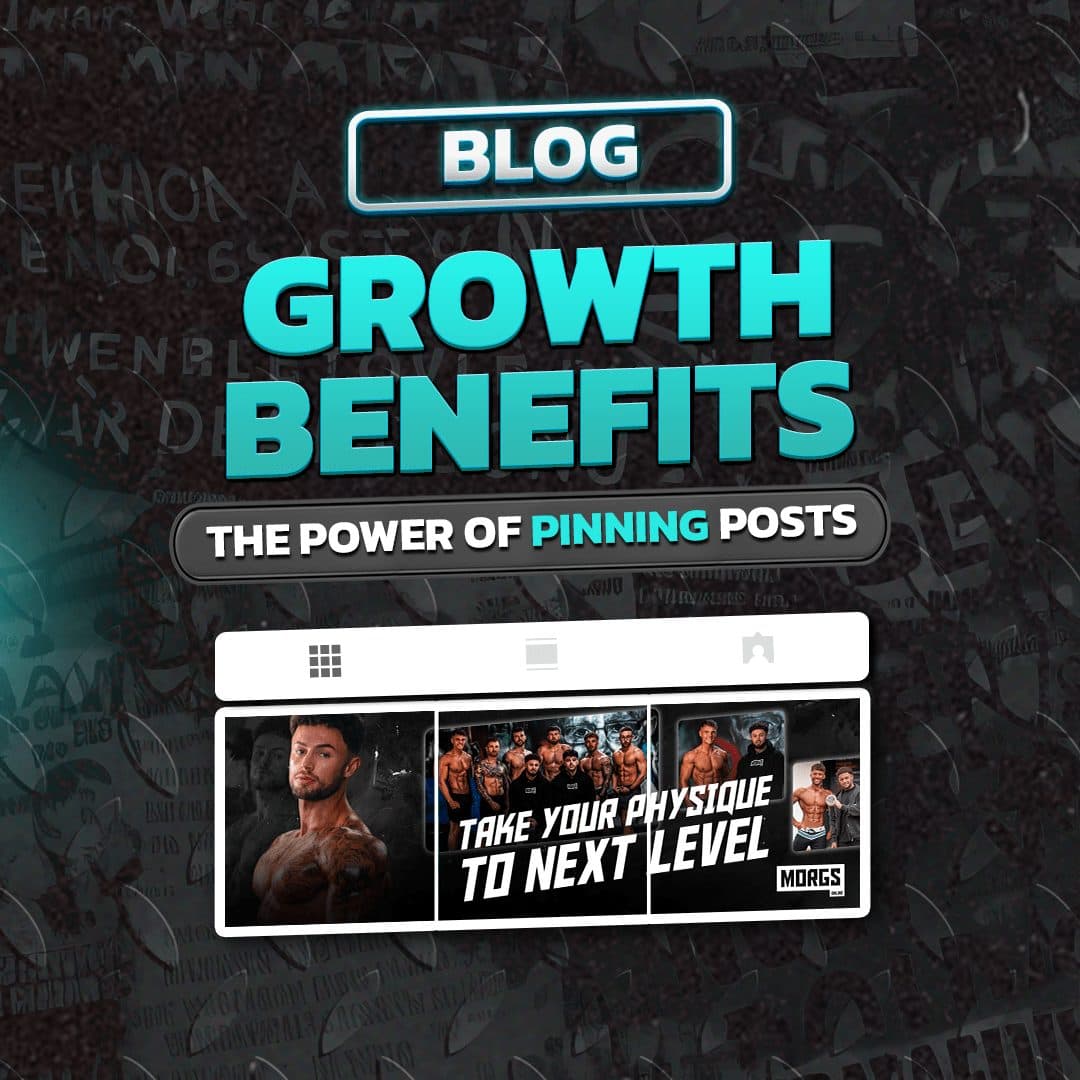
In around June 2022, Instagram introduced a game-changing feature allowing users to pin up to three posts at the forefront of their profile feed. Unlike the typical chronological flow, these pinned posts remain fixed at the top, ensuring they capture visitors’ attention first. This dynamic feature presents a remarkable opportunity to forge connections with your audience and spotlight key facets of your brand. Join us as we delve into the nuances and growth opportunities afforded by pinning an Instagram post.
How to Pin a Post on Instagram
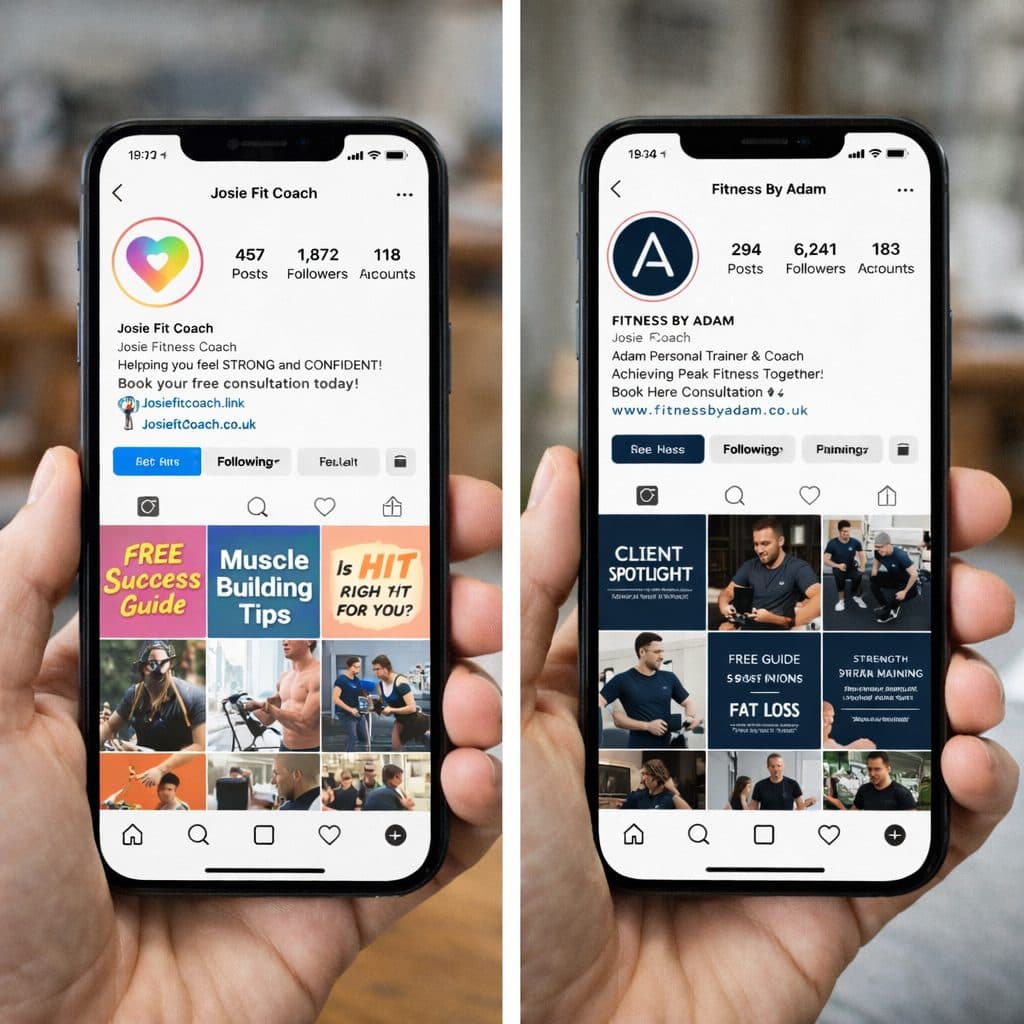
Pinning posts on Instagram empowers you to showcase three posts that epitomize your brand. Take control of the initial impression visitors receive when landing on your profile. Moreover, pinning a post is a breeze!
- 1Select the image, video, or reel you wish to pin.
- 2Click on the three dots (…) in the top left corner.
- 3Choose the “Pin to your profile” option.
You can easily unpin posts using the same steps.
While seemingly a minor addition, don’t underestimate its impact on shaping visitors’ first impressions of your profile. Curate images that encapsulate the essence of your brand to introduce newcomers to what you’re all about.
Why Pin Posts on Instagram?
For businesses aiming to amplify a particular message or product, pinning posts is indispensable. It ensures that new viewers are immediately exposed to your most valuable content upon visiting your page. Furthermore, it prevents these critical posts from getting lost amidst your feed. Whether celebrating a milestone or making an announcement, these three slots serve as potent vehicles for conveying your chosen message.
Considerations for Pinning Posts on Instagram
- Maximum of three pinned posts at a time; unpin one to pin another.
- Pinned posts appear in the order they were pinned, not in chronological order.
- A pinned post is temporarily removed from your regular feed and returns to its original position upon unpinning.
- Chronological posts appear beneath pinned posts, not at the top of your profile.
- You can update pinned posts at any time, swapping them out as needed.
Need Assistance with Social Media?
We offer guidance on selecting the most beneficial social media platforms for your business, along with insights into their functionalities and usage. Additionally, we can assist in crafting and scheduling regular posts for you. Coupled with blogging, Facebook marketing, and potentially Google Ads, these avenues provide excellent means of expanding your business’s reach.
Furthermore, we provide design templates to enhance your social media presence, ensuring your feeds exude a cohesive branding style.
Click the link here to find out more..